October 27, 2026 · Checklab
7 practical Checklab tips you might not know yet
Get more from Checklab with measurement limits, QR scans, photo evidence and translations. Seven tips for clearer checks and better follow-up.

Do you use Checklab for daily quality checks, inspections or audits? You probably know the basics: complete a checklist, record results and register non-conformities. But small changes to your setup can also make your team's work easier.
These seven tips help you get more from your checklists and follow-up. Use the examples as inspiration and choose what fits your process and quality requirements.
1. Let measurement limits help you assess results
Recording a measurement is useful. Seeing whether it meets the requirements makes the check clearer. With a numeric check, you can set minimum and maximum limits. A value outside those limits is flagged as a non-conformity.
For example, are you checking a component that should measure 1180 mm with a tolerance of 2 mm? Set the lower limit to 1178 mm and the upper limit to 1182 mm. Employees then do not need to calculate the tolerance for each measurement.
Try this: review your numeric checks and make sure the units and limits match the current product specification.
2. Scan a code instead of typing a number
A mistyped serial number can make an otherwise useful inspection difficult to find. Scan checks let you use barcodes and QR codes to identify a product, installation, order or batch.
This is particularly helpful when employees check many different products or installations during a shift. Scanning reduces typing and helps associate the inspection with the correct identifier.
Try this: choose one process where employees currently type long numbers and check whether usable barcodes or QR codes are already available.
3. Ask for a photo that explains the situation
Photo evidence helps a colleague understand a situation without being there. In Checklab, you can use photo checks and specify whether a photo is required and how many photos are needed as a minimum.
Make the instruction specific. 'Add a photo' gives less guidance than 'Take an overview photo and a close-up of the damage'. Clear instructions help avoid a return visit to collect missing information.
Try this: review a few recent records. Can you tell what happened from the photos? Adjust the instructions if you cannot.
4. Use predefined options for recurring information
Free text is useful for explanations, but less suitable for information you want to compare later. People might use 'damaged', 'damage' and 'dent' to describe the same rejection reason.
A list check lets employees select from predefined options. This helps your team record departments, locations or rejection reasons consistently. Keep the list short and make the meaning of each option clear.
Try this: find a text field that often contains similar answers. Replace it with a list check and keep room for additional explanation where needed.
Read more about choosing check types for your digital checklist.
5. Translate your checklist and review the technical terms
Did you know you can translate Checklab checklists into multiple languages using AI? This helps when employees carry out the same inspection but speak different languages. You can review and edit the translation afterwards.
Pay particular attention to technical terms, internal abbreviations and instructions where a single word can change the meaning. Ask a colleague who knows both the language and the process to review the checklist before you start using it.
Try this: start with one frequently used checklist. Ask an employee whether the translated instructions are clear on the work floor.
Learn more about translating checklists with AI.
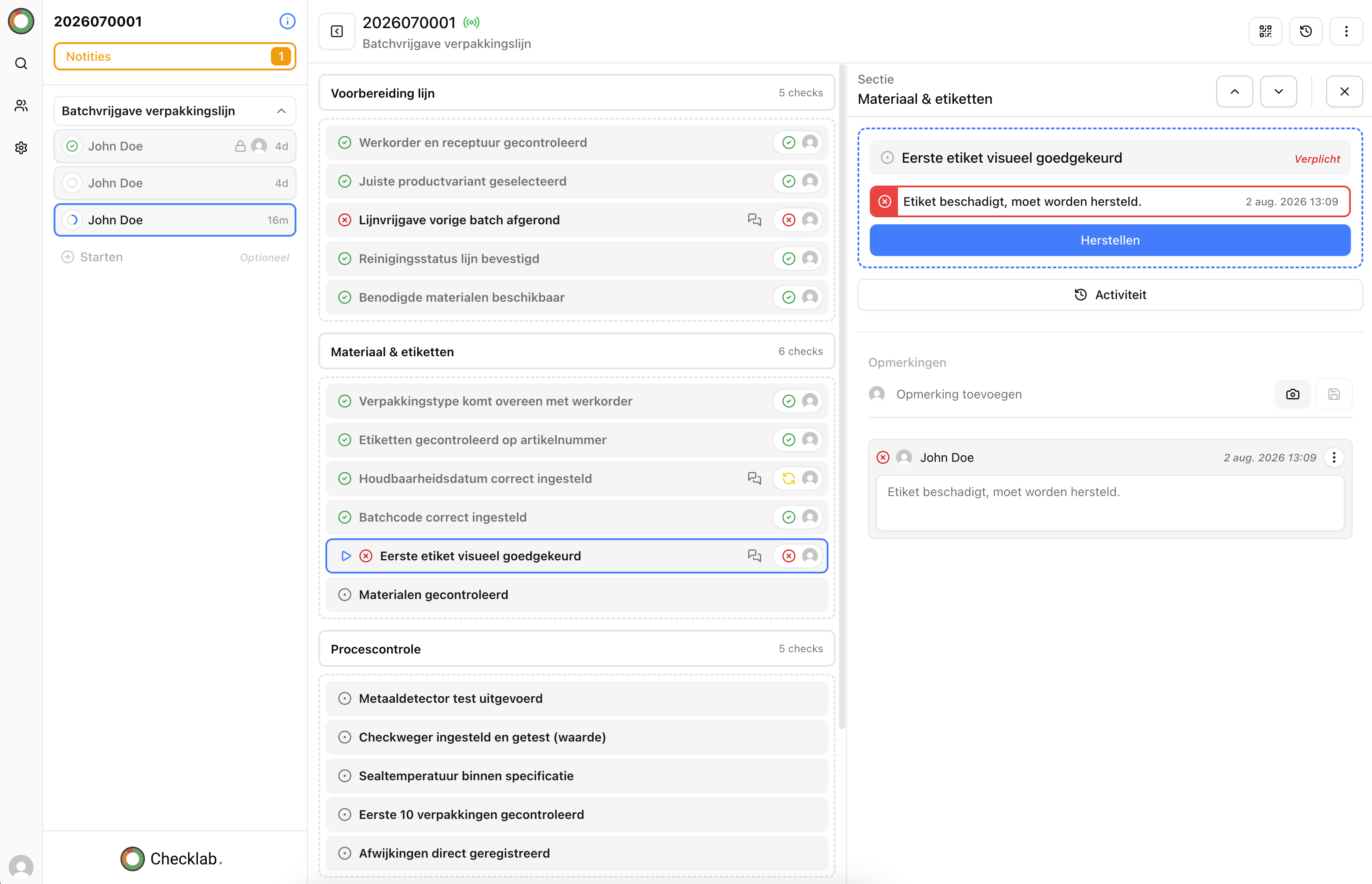
6. Turn a non-conformity into a specific follow-up action
A recorded non-conformity tells you what went wrong. A linked action makes the next step clear. Use follow-up in Checklab to assign an owner and set a deadline.
Write an action that a colleague can act on. 'Fix the problem' leaves a lot open. 'Check the dimensions, correct the setting and carry out another inspection' gives more direction. Afterwards, assess whether the measure worked.
Try this: review an open non-conformity. Is it clear who needs to act, when the work should be completed and how you will assess the result?
See how you can follow up on non-conformities and corrective actions with Checklab.
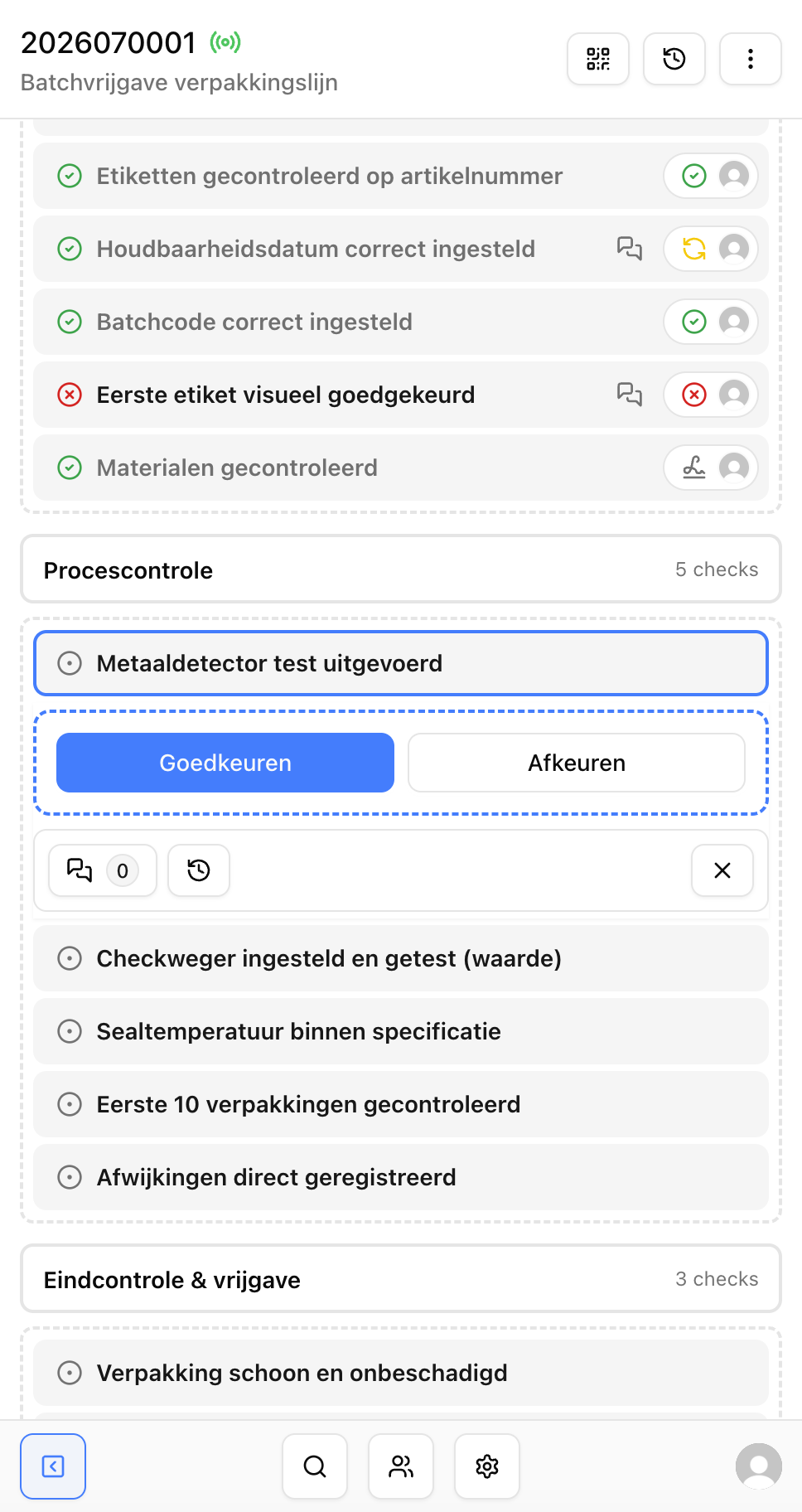
7. Use a signature at a clearly defined point
A signature check can help record a release or handover. Decide in advance who signs and what they are confirming, such as a review of the final inspection or the handover of completed work.
A signature is most useful when its meaning is clear. Agree on which results and any non-conformities someone needs to review before signing.
Try this: check whether your signature checks explain what the person is signing for and what review is expected.
Start with one small change
You do not need to update every checklist at once. Choose a frequently used inspection and apply one tip. Let a few employees try it and ask what has become clearer and where they still encounter difficulties.
Want to discuss how to set up your checklists? Contact Checklab.