.jpg&w=3840&q=75&dpl=dpl_C8EeYnTE4vttC3q3p6WwdNHFMcsW)
Digital checklists for everyday quality work
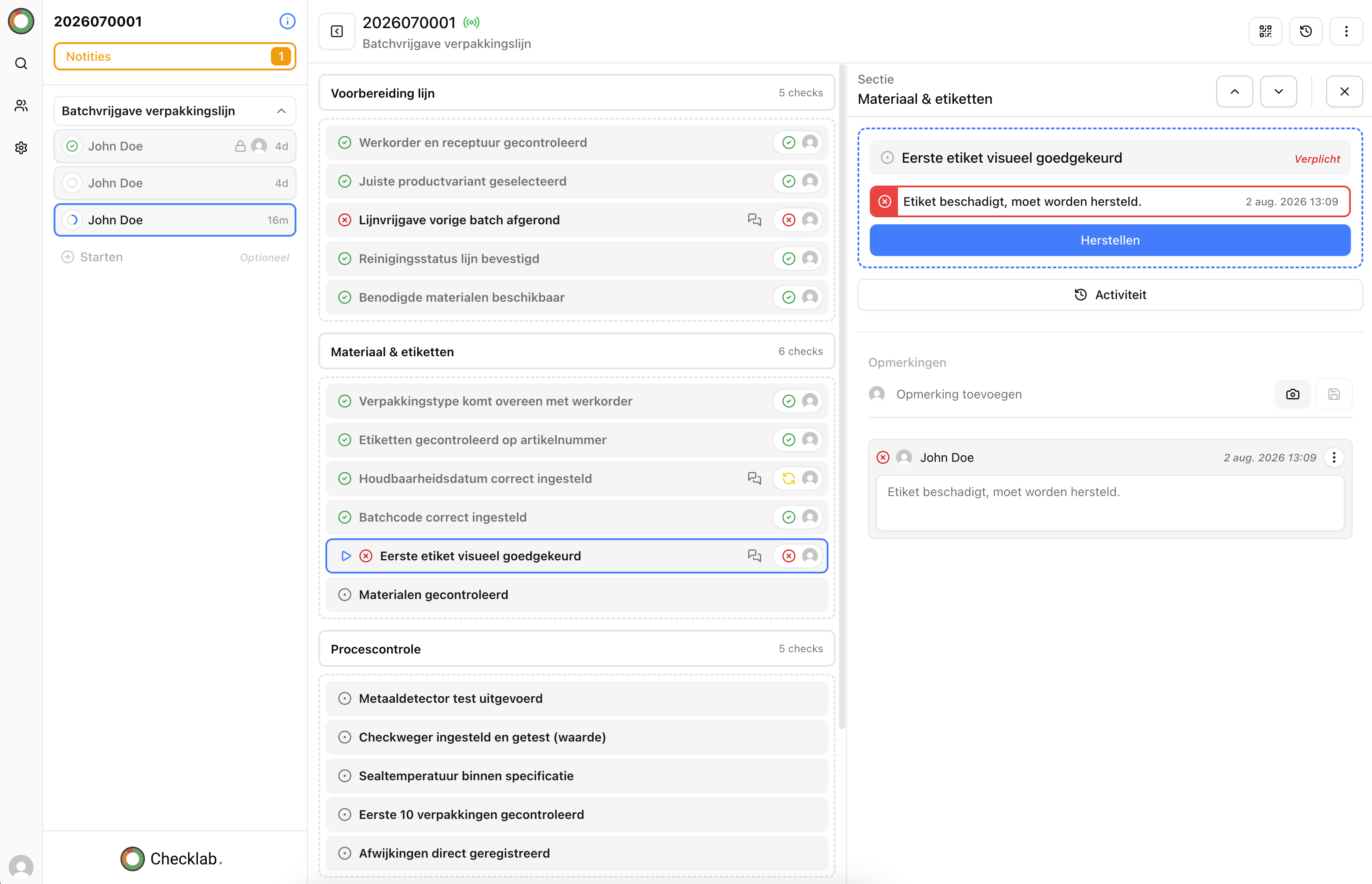
Replace paper, separate forms and scattered spreadsheets with one clear process. Build checklists around your operations, record inspections as work happens and keep results, evidence and non-conformities centrally available.
- Reusable templates for recurring inspections
- Photos, measurements, comments and signatures
- Record non-conformities directly from an inspection
For quality inspections in manufacturing, service, installation and maintenance.
From separate records to useful quality data
A completed checklist only adds value when the information remains useful
Paper forms and separate spreadsheets can record an inspection, but make consistent work difficult. Versions diverge, photos are stored elsewhere and rejected checks require a manual handover.
- Employees cannot always tell which checklist is the current version.
- Results and evidence are difficult to retrieve afterwards.
- Non-conformities and actions become detached from the original inspection.
Checklab keeps the checklist, execution, results and follow-up within the same process.

How digital checklists work in Checklab
From checklist template to a complete inspection record
Set up the inspection once and use the same process every time. Results, evidence and non-conformities remain linked to the inspection in which they were recorded.
Set up the checklist
Build checks around your process or use an existing checklist as the starting point.
Perform the inspection
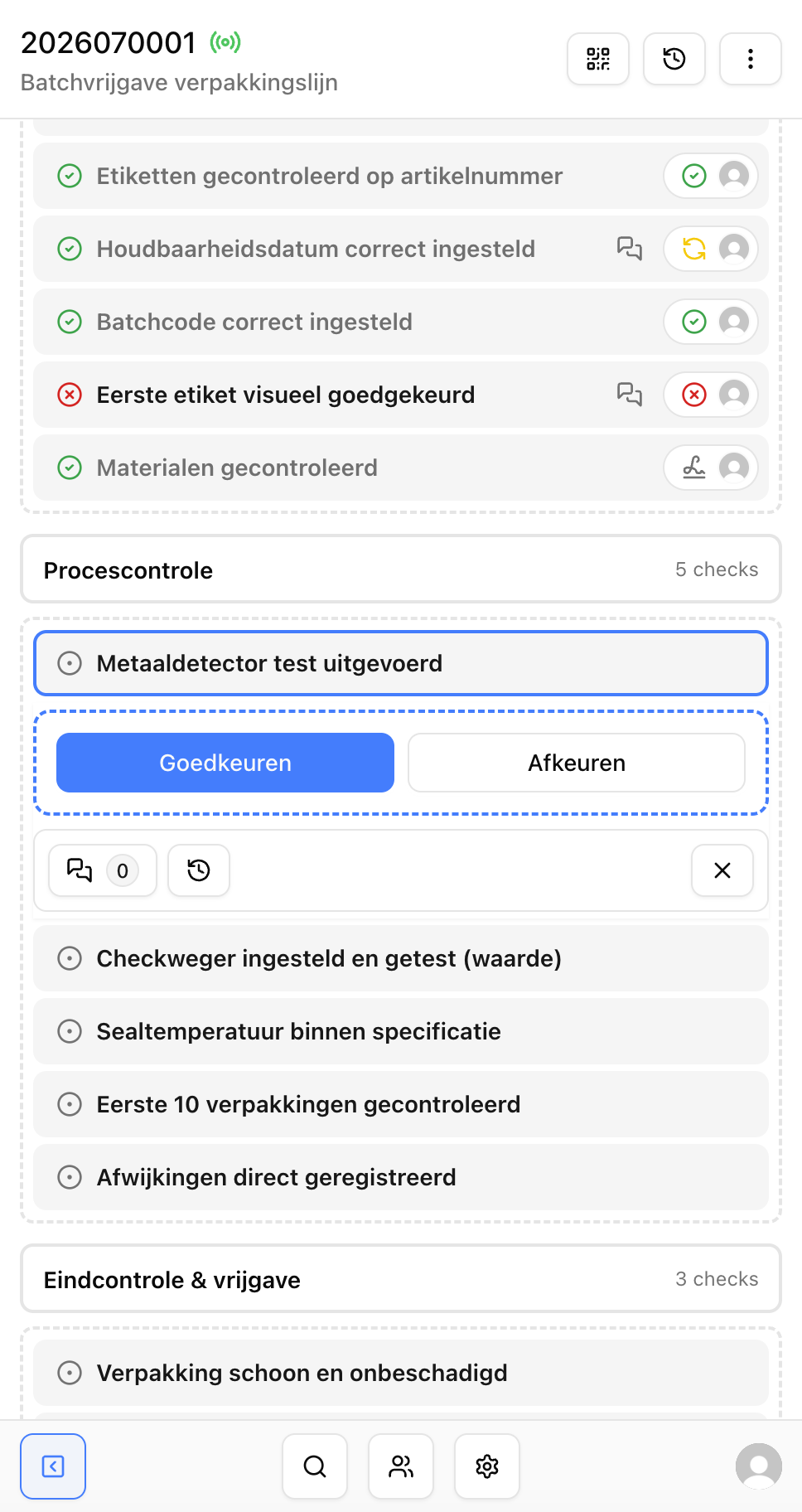
Operators, inspectors or technicians record results where the work takes place.
Capture evidence and issues
Add photos, comments and measurements, and record anything that does not meet the requirements.
Use the results
Review inspections, open non-conformities and recurring patterns from one record.
Build and manage checklists
Create a checklist that matches your inspection process
Start with a paper checklist, an Excel file or a new process. Configure questions, answer options and required fields so employees capture exactly what is needed.
- Reuse templates for recurring inspections.
- Arrange checks in the order the work is performed.
- Choose required fields and configure measurement limits.
- Use the same checklist structure across teams or locations.