From an issue on site to a well-founded quote
Your technician records what needs repairing. The office works from the asset details, photos and findings. Every quote starts with the right information.
For maintenance companies that want the field and office to work from the same information.

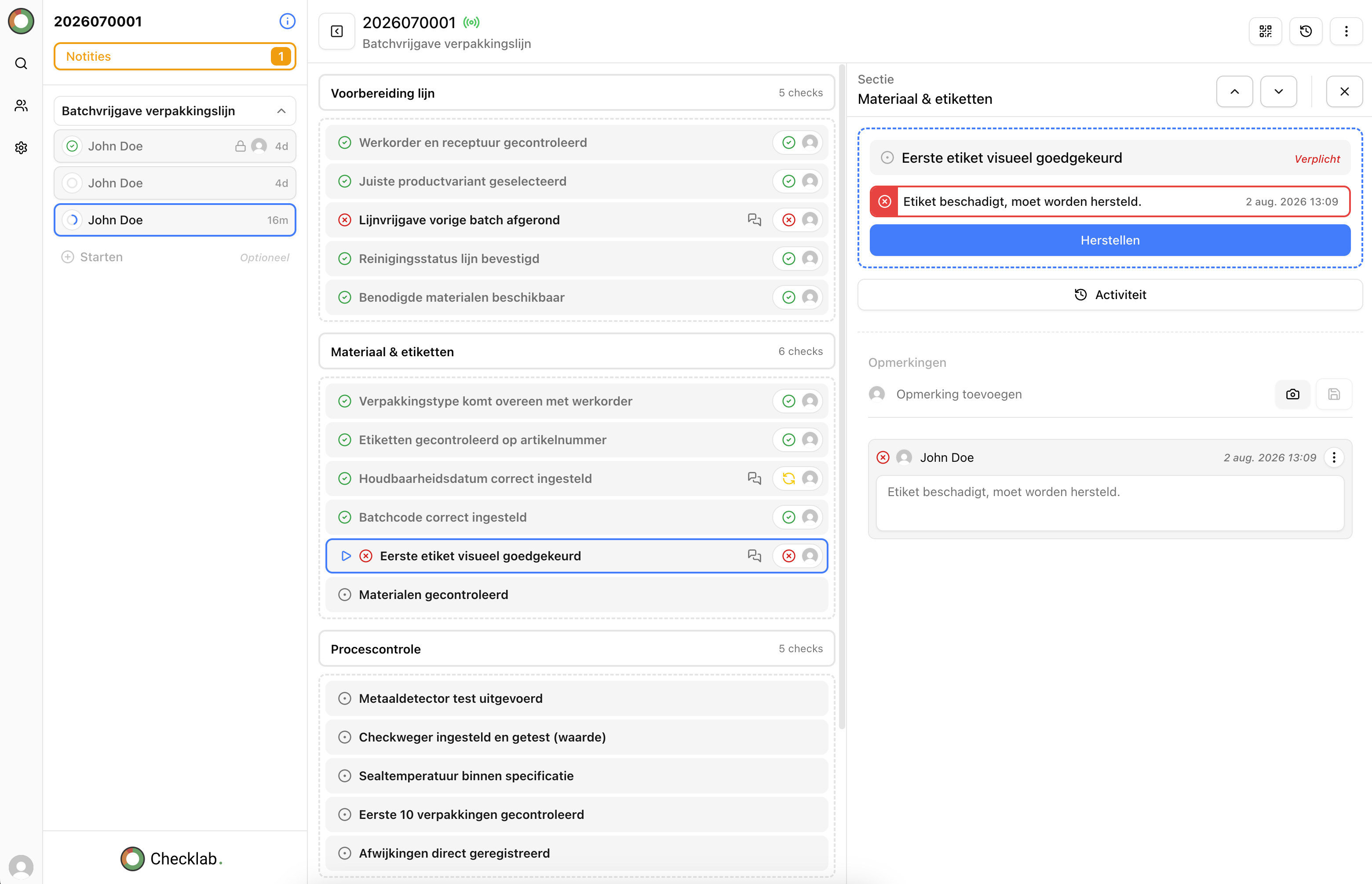
Issue or fault recorded on site
Asset · location · photos · notes

Zonwering-Nederland uses inspection data from Checklab to prepare quotes in the office.
A fault on site, clear information in the office
A photo on a phone. A separate note. A colleague who still needs to explain which part it was. Before starting the quote, someone has to piece the situation together.
Record the finding against the right asset straight away. The office then has the context to prepare repairs or replacements, even when another colleague takes over.
Record on site. Continue in the office
- 01
Record the issue or fault
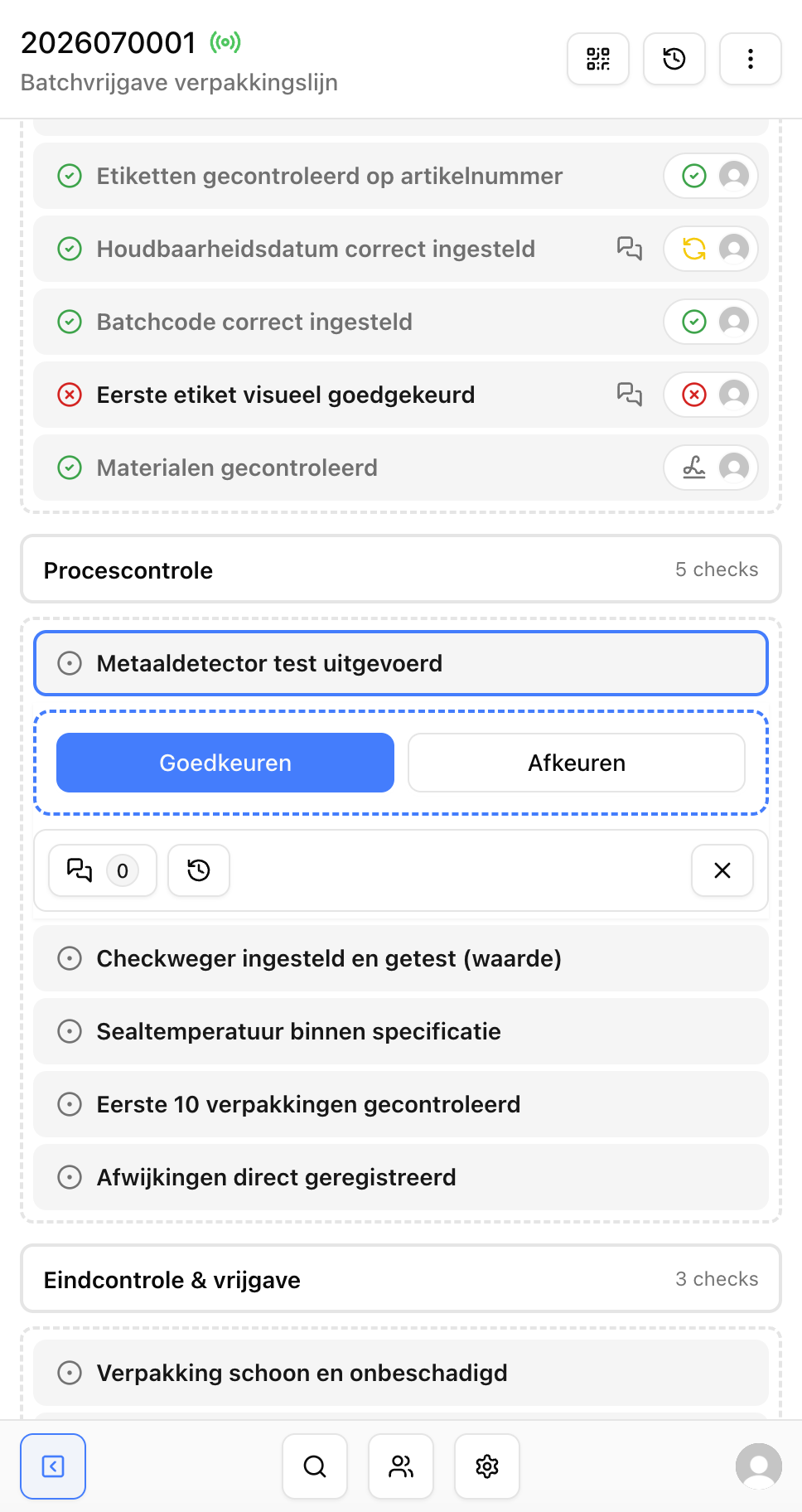
The technician checks the asset and records its condition, notes and photos with the inspection.
- 02
Identify follow-up work
Bring together the assets and findings that require repairs or replacement, including their locations and notes.
- 03
Prepare the quote
The office uses project details and an export as the basis for defining the work and preparing the quote.
Checklab collects the information for the quote. Your team determines the work, prices and final proposal.
Project data over the years
From project data to annual inspections and a well-founded quote
Start with project data from Excel or an export from your existing software, such as an ERP or service management system. In Checklab, record photos, issues and faults against the right asset for each maintenance year. The office can then use the findings from that inspection round as the basis for a quote.
Your data sources
- Excel
- ERP
- Other software
We tailor the import to your file or software package.
 Annual maintenance
Maintenance · North Building
Assets and locations together
- 2025Past inspections
- 2026Inspection round
OBJ-002
Fault in the drive
2 photosIssue
Findings and photos stay linked to the asset and maintenance year.
Well-founded quote
Prepared in the office
Repairs and replacement
Assess the drive of sliding door OBJ-002 for repair or replacement.
- Asset and location identified
- Photos and notes available
- Based on the 2026 inspection round
Project data and an export as the basis for the quote.
From inspection finding to follow-up work
The office needs more than “drive fault”. Record the asset, location and notes too, so it is clear what follow-up work is needed.
On-site inspection
OBJ-002Fault in the sliding door drive
The door stops halfway. Check the drive and prepare for replacement.
North Building · room 1.02
2 photos attached to the finding
Quote preparation
Overview for the office
- Asset
- OBJ-002 · Sliding door
- Follow-up work
- Assess repair or replacement of the drive
- Supporting details
- Location, inspection note and photos
Project details and an export as the basis for the quote.
Know what the work relates to
The customer, location and asset stay linked to the finding, making the follow-up work specific.
Assess the situation
Photos and notes give the office the context behind the recorded issue or fault.
Let a colleague continue
The information stays with the project and can be found for further preparation.
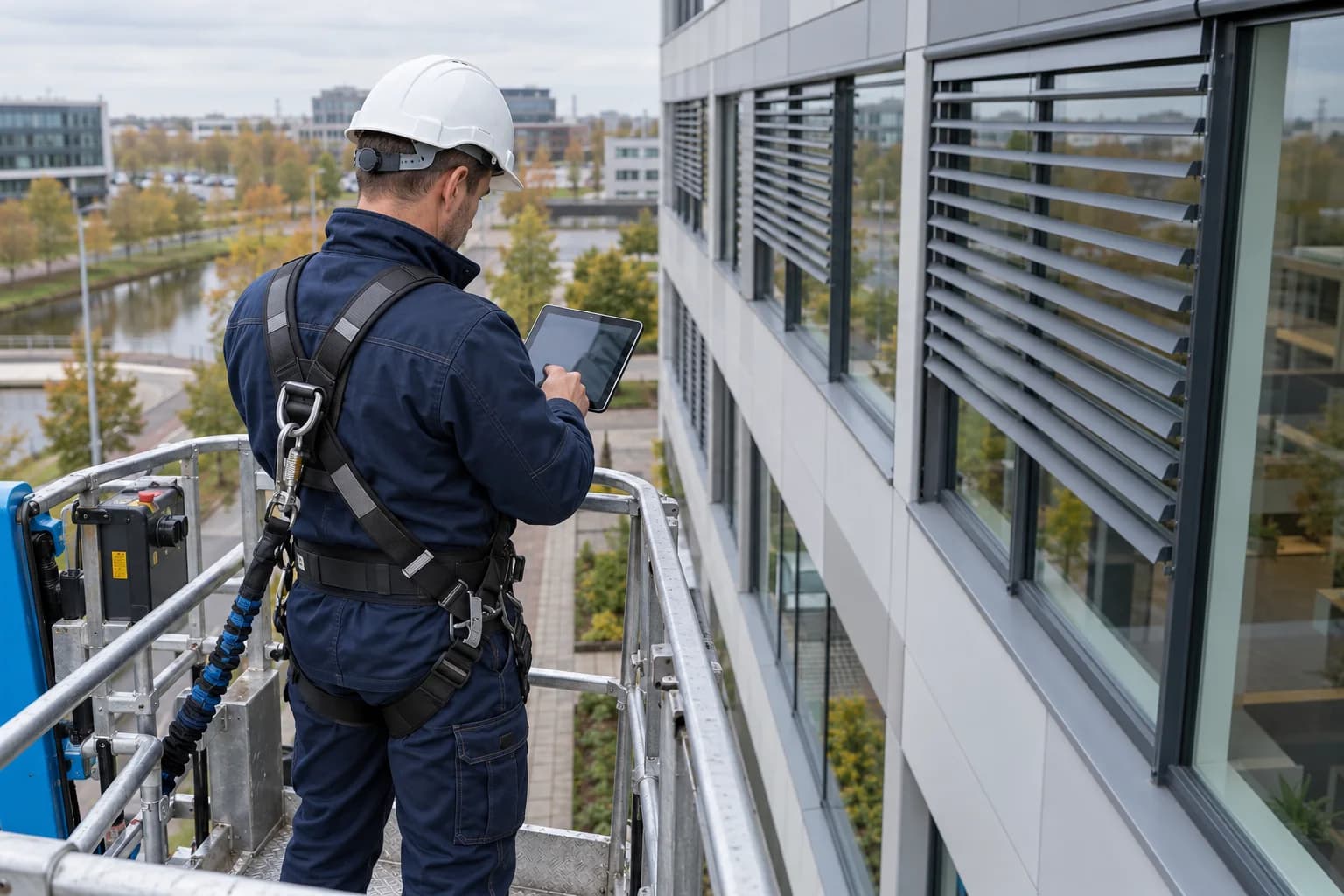
From a rejected component on site to quote preparation in the office
“Thanks to Checklab, we automate the entire administrative process around the maintenance we carry out.”
Zonwering-Nederland
Zonwering-Nederland records inspections and rejected components on site. The office uses that data to prepare quotes. The maintenance information also gives customers insight into the condition of their sun shading.
Read the Zonwering-Nederland storyHow does this fit your quoting process?
From your inspection to your quote
See how the handover could work for your team
Show us how you currently inspect assets and prepare quotes. In a demo, we explore which records and overviews would fit your process.